
Desktop software
Billing software for your Windows PC that works offline
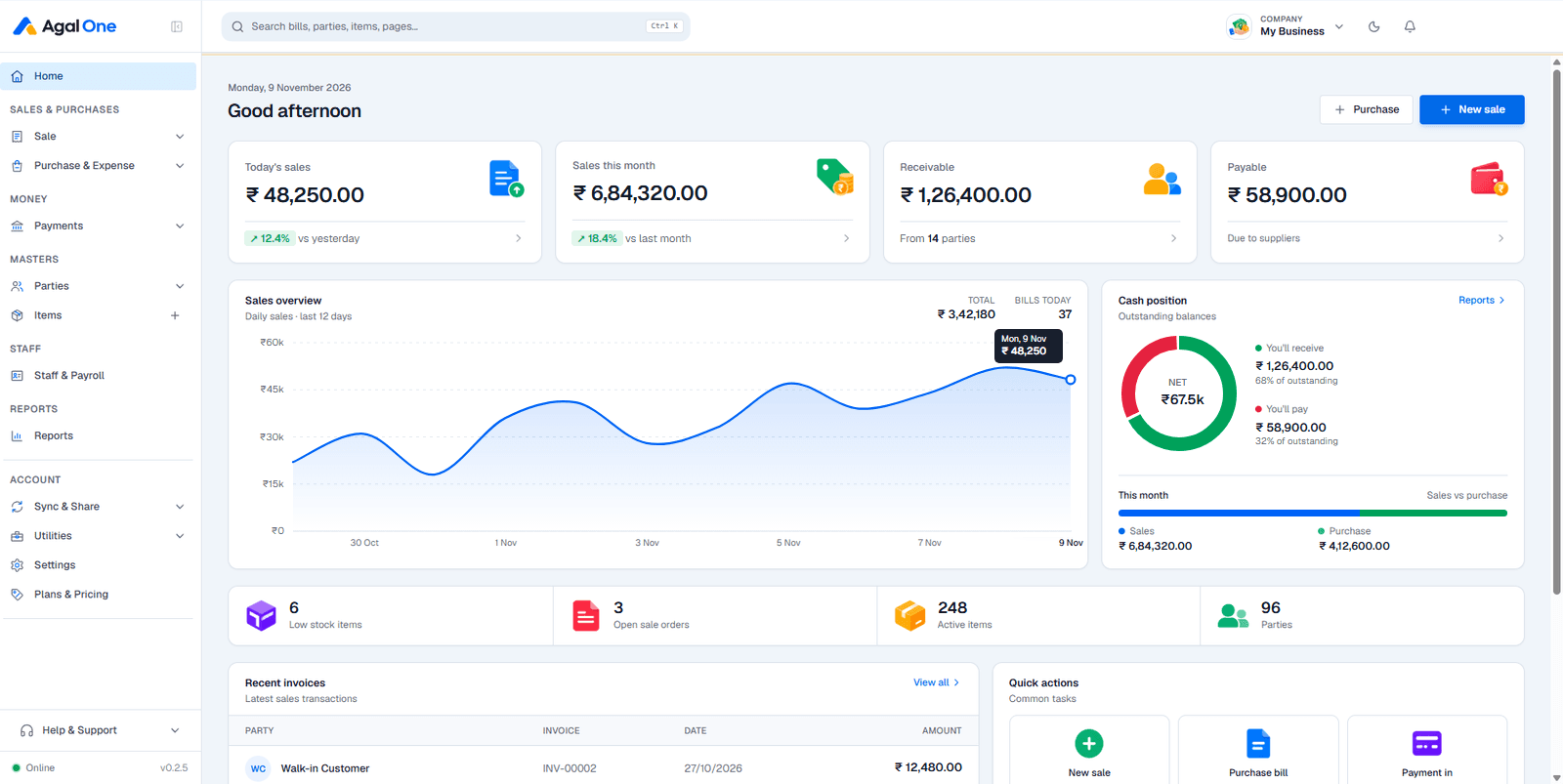
Most shops in India bill from a PC at the counter, and that PC does not always have good internet. Agal One was built for exactly that machine. The database lives on your hard disk, the app opens in a second, and every bill prints whether or not the broadband is up.
What it does
Installs in two minutes
A normal Windows setup file. No server, no browser, no login screen to get past before you can bill.
Offline first, online sync
The data is on your PC, so a dead connection never stops a bill. Turn on sync and the same books show on the office PC or the owner's laptop when you are online. Internet is used only for WhatsApp, e-invoice, e-way bill, Google Drive backup and updates.
Keyboard shortcuts for everything
New sale, payment in, search, print and close all have keys. A counter boy learns it in an afternoon.
Prints on what you already own
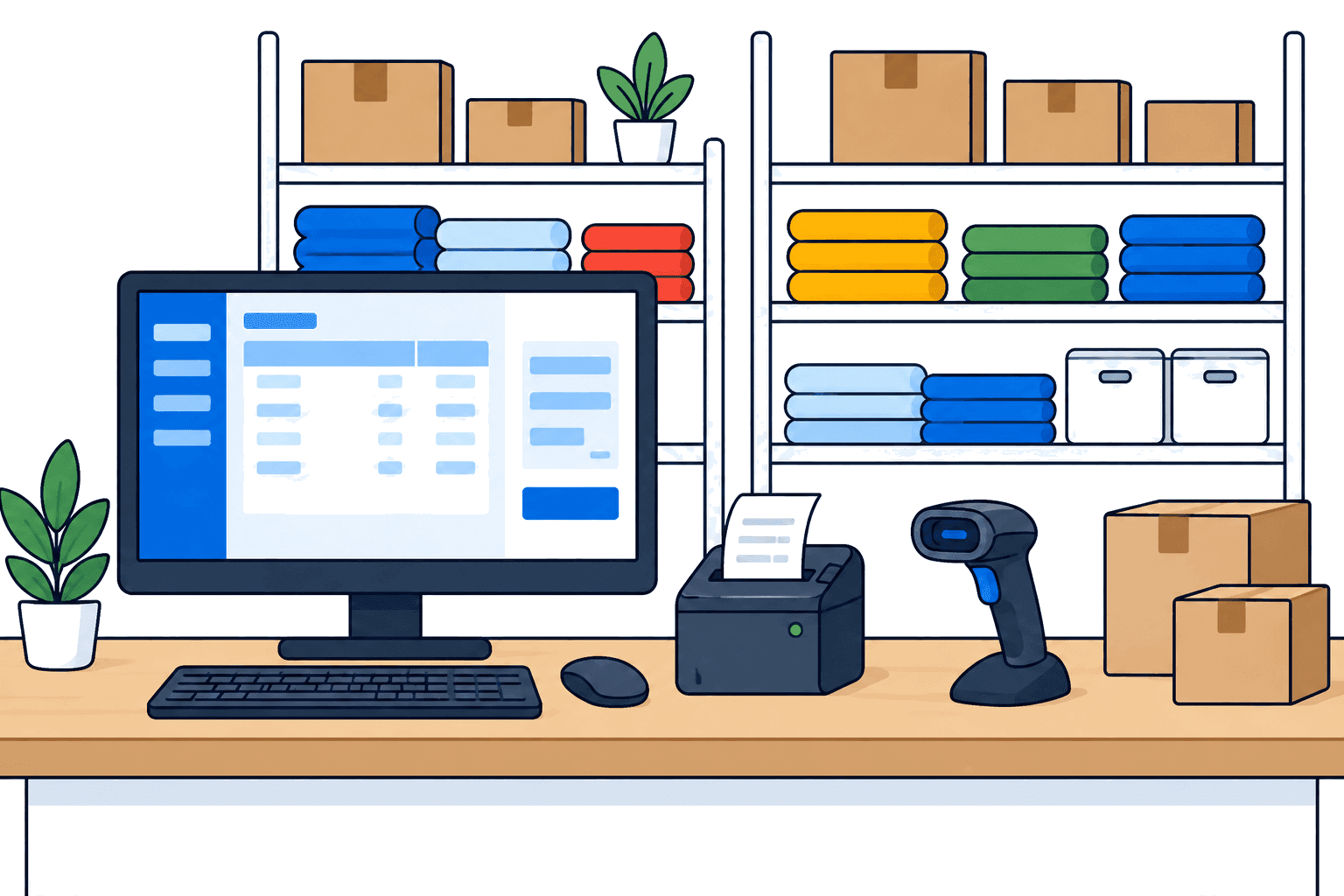
Thermal receipt printers, A4 printers and label printers. Uses the printer's own font so receipts come out fast.
Updates itself
When we ship a GST change or a new feature, the app updates in the background. You never download a new installer.
Tally import
Bring your parties, items and opening balances across from Tally as an XML export. Files up to 50 MB.


What you need
A basic Windows PC at the counter is enough. If you are buying a new one, any current model will do.
- Operating system
- Windows 10 or Windows 11, 64-bit
- Disk space
- About 200 MB plus your data
- Memory
- 4 GB RAM is enough; 8 GB is comfortable
- Printers
- Thermal (58 mm / 80 mm), A4, barcode label
- Scanners
- Any USB barcode scanner
- Backup
- Local folder and Google Drive folder
Works together with
- GST BillingGST billing software that gets the tax right every timeRead more
- InventoryInventory software that keeps the shelf and the screen in agreementRead more
- AccountingAccounting that happens while you billRead more
- Payroll & StaffPayroll software for shops and small units, inside your billing appRead more
- POS BillingCounter billing built for the evening rushRead more
- E-Invoice & E-Way BillE-invoice and e-way bill from the same screen as the saleRead more


Agal One for Windows: common questions
Does Agal One run on Mac or Linux?
Not yet. It is Windows-only today, and Mac, Linux and Android versions are coming soon. Most customers run it on a basic Windows PC at the counter.
Can two PCs share one database?
Yes, with the Pro plan's online sync. Each PC keeps a local copy and changes sync when online. Ask us before setting this up so we can check your network.
What happens if my PC dies?
Restore the latest backup on a new PC. If you turned on Google Drive backup, the copy is already off your machine. Call us and we will do the restore with you.
Is there a free trial?
Yes, 7 days with every feature and no card. After that, Pro or Enterprise is billed yearly. Stop paying and the app goes read-only with your data still on your PC.
See it set up for your business
Start the 7-day trial today, or book a demo and we will walk you through Agal One in your language, on a remote session to your own PC.